How to use LeadConnector/Twilio with Blooio
Help and guidance for How to use LeadConnector/Twilio with Blooio.
Updated July 13, 20261 min read#LeadConnector#Twilio#HighLevel
You’re able to use Blooio while still using LC (LeadConnector) or Twilio. Configure LC/Twilio to be your default SMS provider and use Blooio from the conversation view:
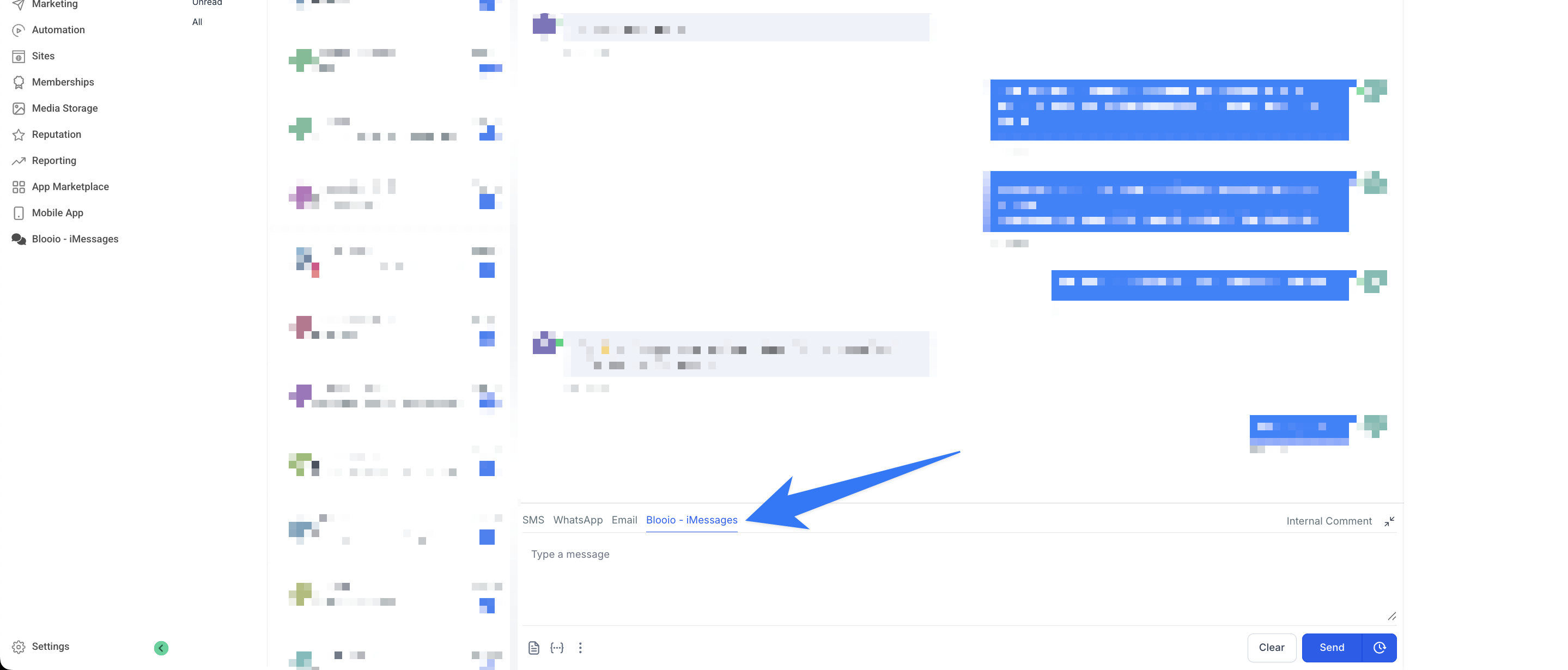
If you don’t see the Blooio - iMessages tab in conversation view, you may have to reinstall the app by disconnecting then reconnecting your GHL integration and ensuring you select both conversation providers during setup.
#Why is this useful?
You may want to use LC/Twilio for generic contacts, and Blooio when outreach really matters. Some prefer to leave LC/Twilio as their default SMS provider and switch to Blooio on-demand for one-off use-cases.
#Does changing the default provider prevent Blooio from relaying messages?
Nope! Blooio will relay messages regardless if it’s the default provider or not.