How to create an organization
Create a Blooio organization from the sidebar so you can connect numbers, Apple Messages for Business, and teammates.
Updated October 12, 20261 min read#Organizations
A Blooio organization is the workspace for your numbers, integrations, and teammates. Create one before you connect Apple Messages for Business.
#Open the organization menu
In the dashboard sidebar, open the organization menu at the top. It shows the organization you are in. Choose Create new organization.
#Name the organization
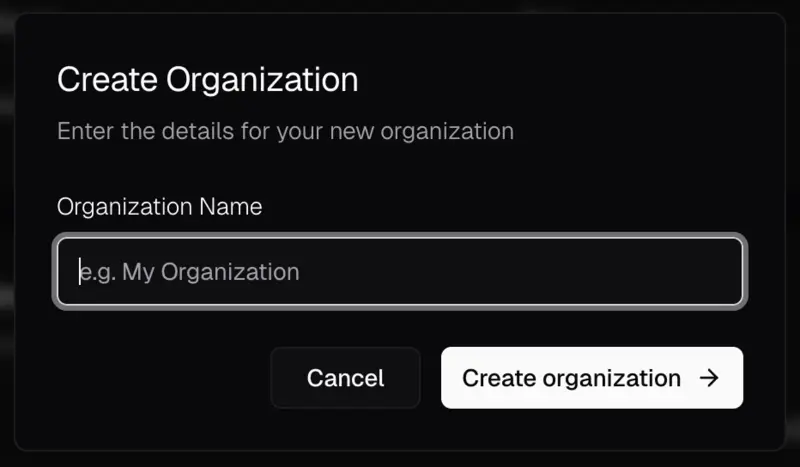
Enter the name your team should see, then choose Create organization. Blooio opens the new organization.
#Next steps
- Add teammates who should manage the organization.
Related articles
How to add team membersInvite someone to your Blooio organization from Settings, choose Administrator, and send the invitation.How to get an Apple Messages for Business sandboxCreate an internal test account in Apple Business Register, copy the Business ID, and connect it on the Blooio Integrations page.