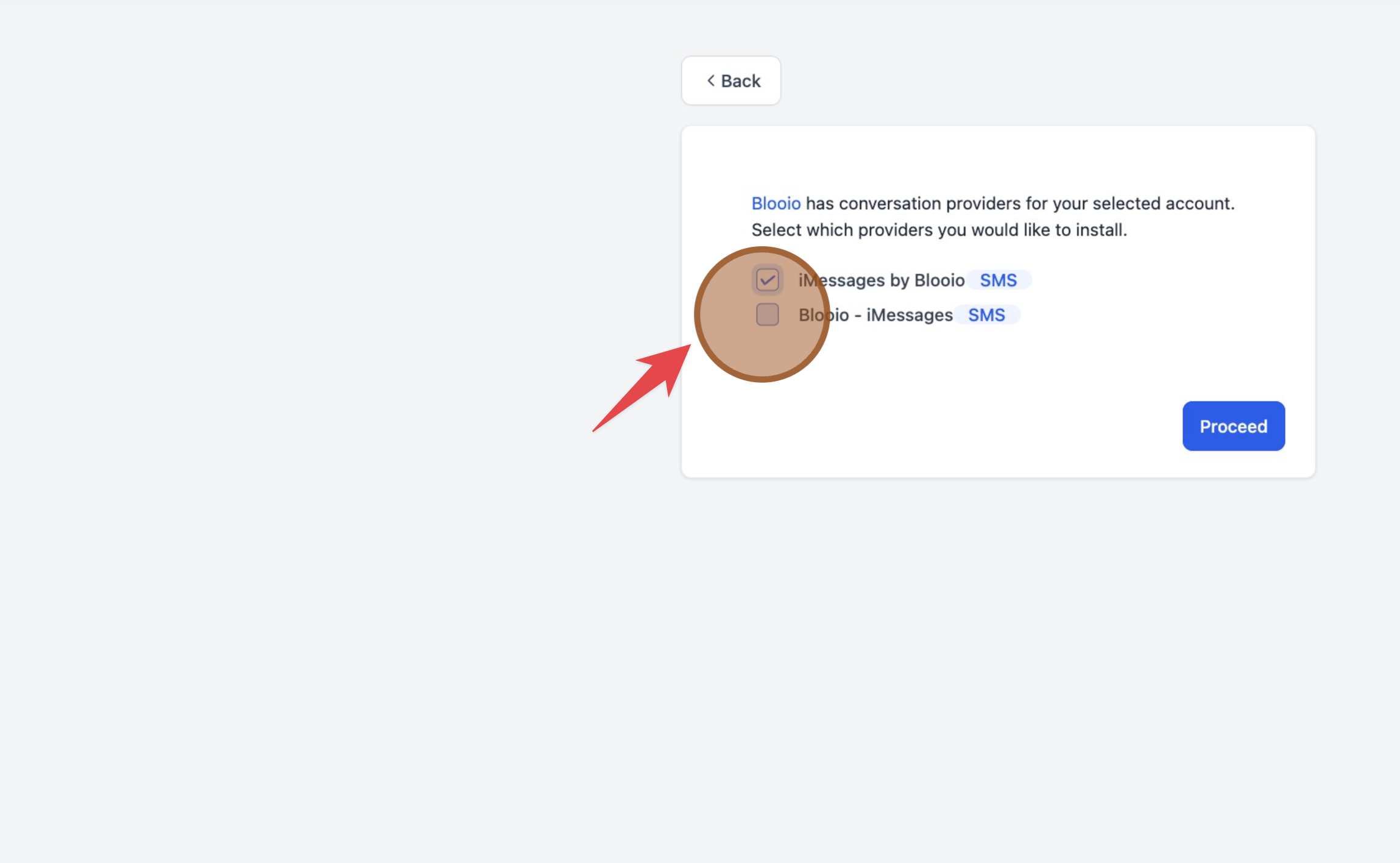
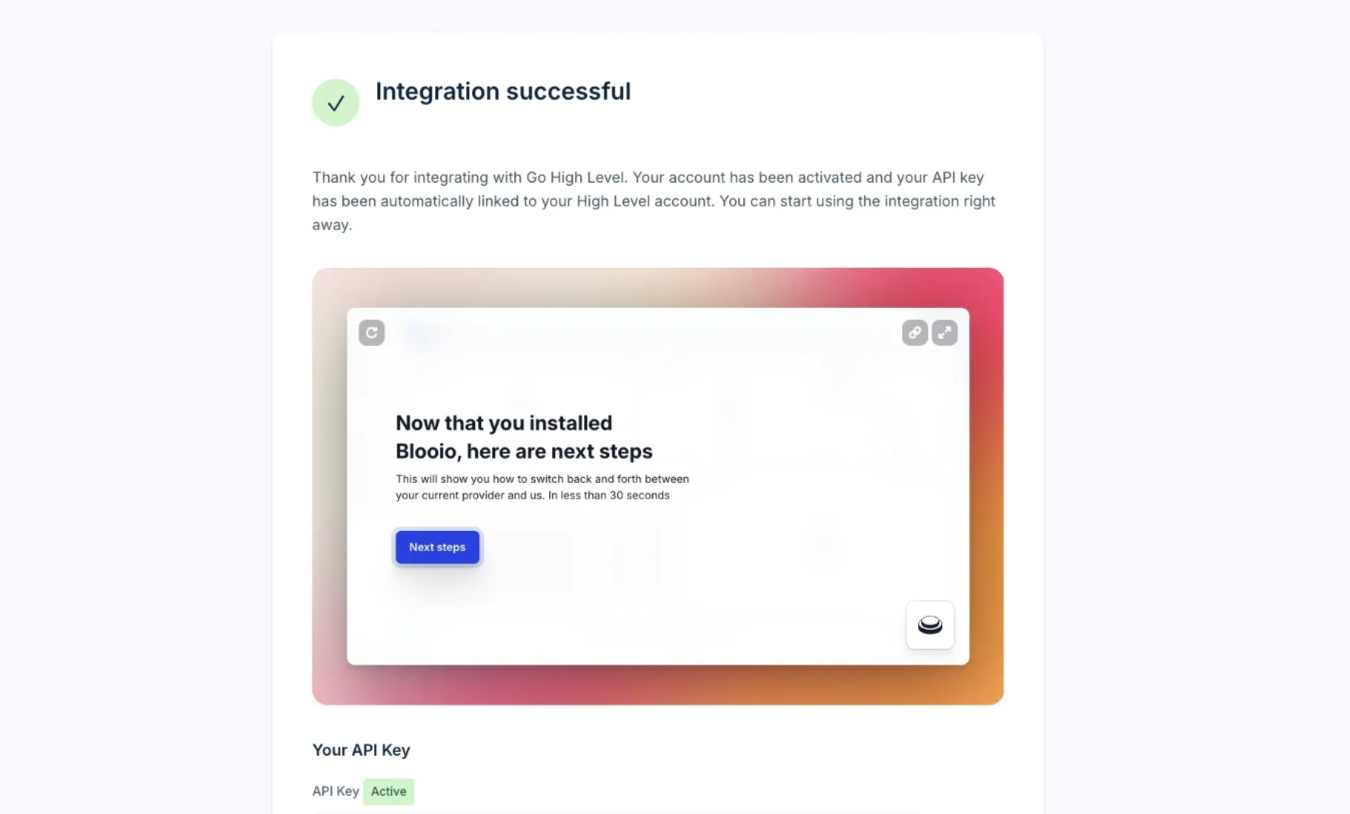
How to link Blooio within HighLevel
Help and guidance for How to link Blooio within HighLevel.
Updated July 13, 20261 min read#HighLevel
Installation is straight forward. You can install Blooio within your HighLevel instance in 4 steps.
#Link Integration
Go to the Integrations tab to the left, find HighLevel, and click Connect. You will be redirected to a HighLevel login:
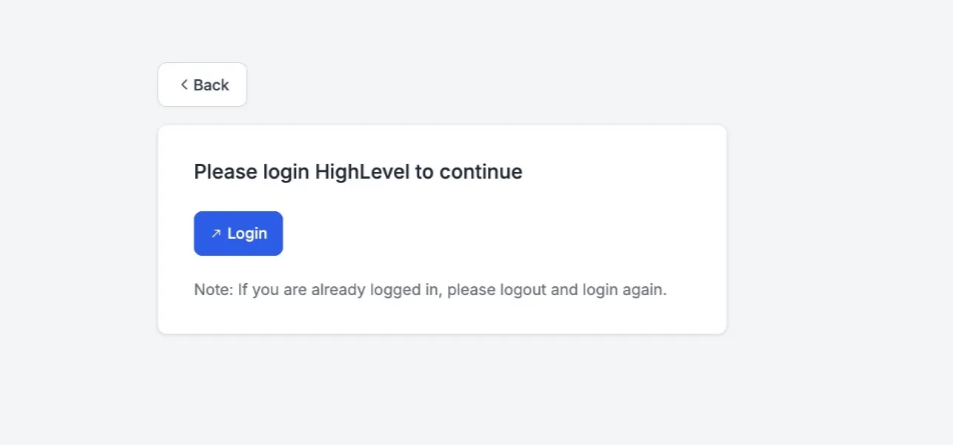
You may need to login with HighLevel if you’re not already logged in. If attempts continue to fail, log into HighLevel manually through another tab. Then disconnect and reconnect the integration.
#Click ‘Next’
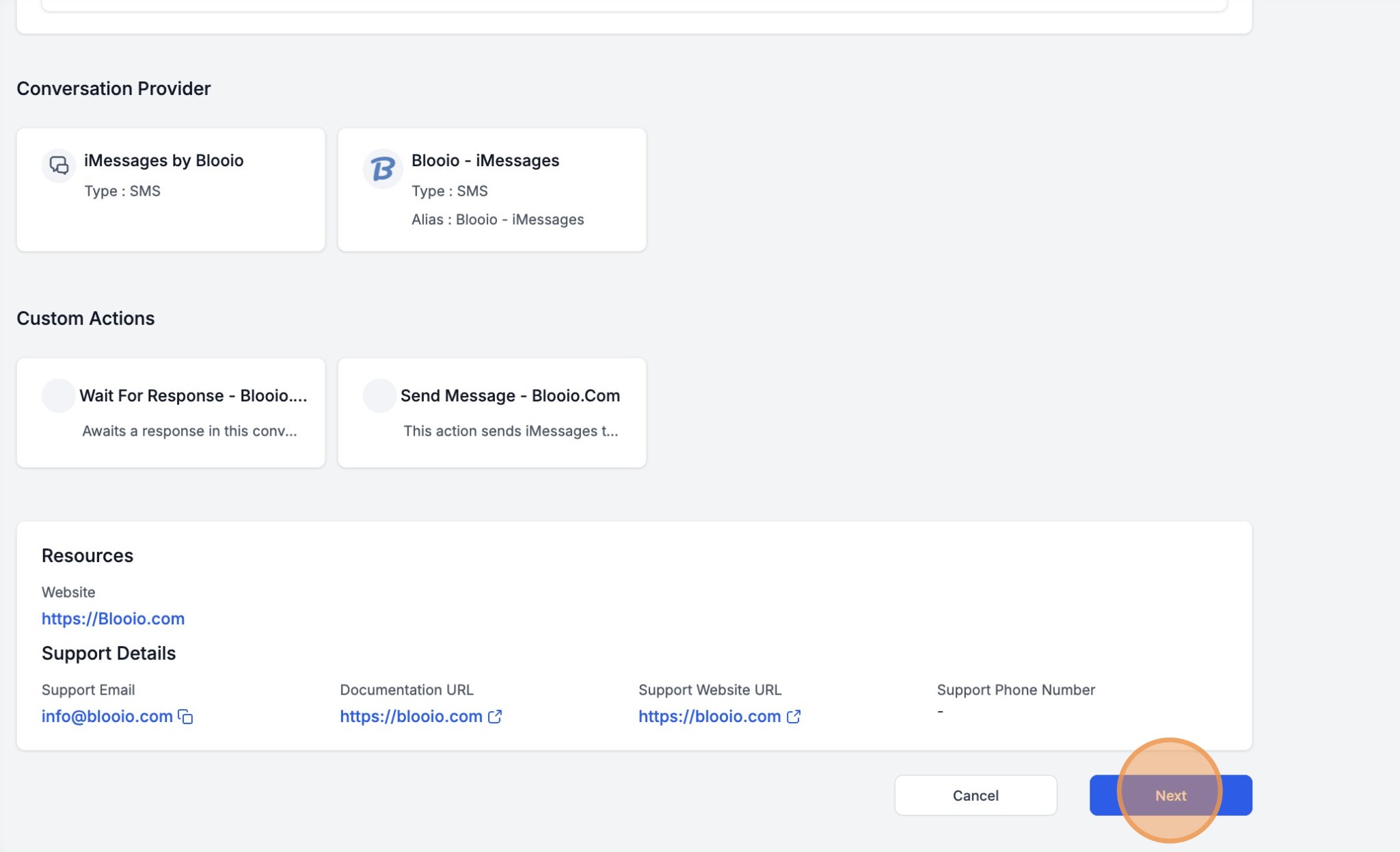
This page details that Blooio installs a conversation provider for workflows and conversations, and additional workflow actions.
#Select Sub-Account
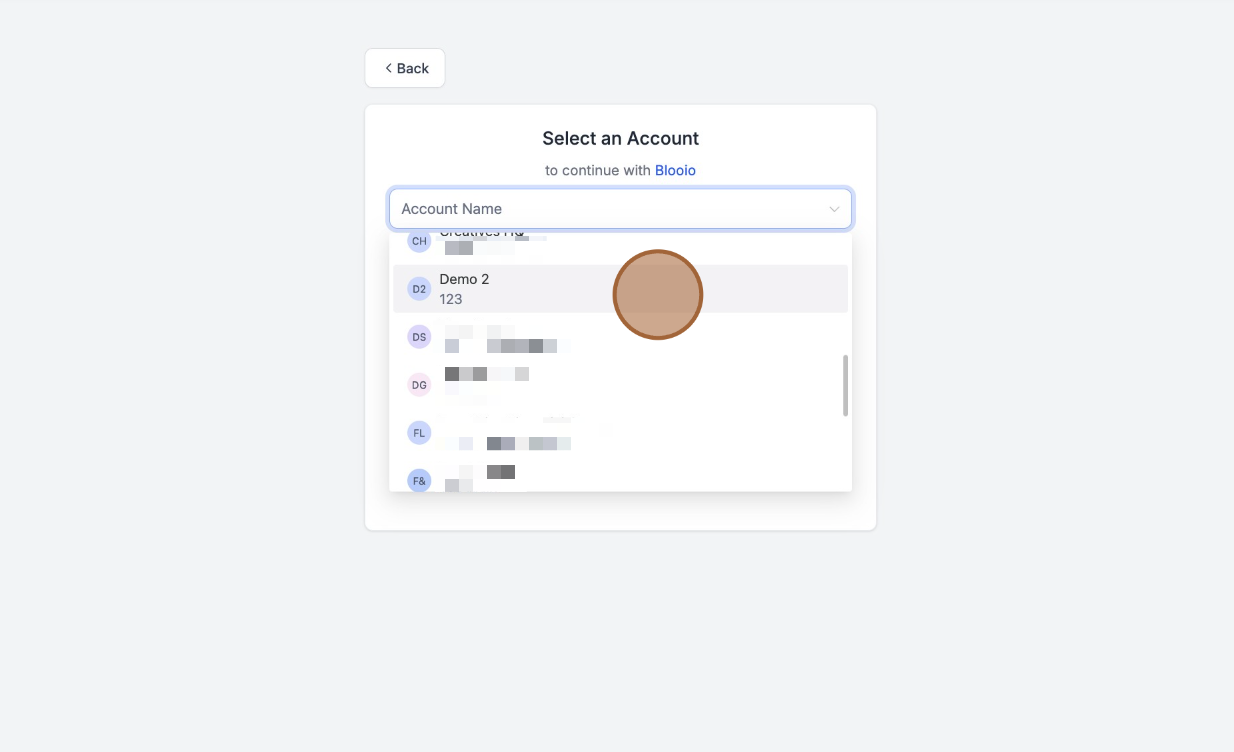
Select the sub account you intend to install Blooio on.